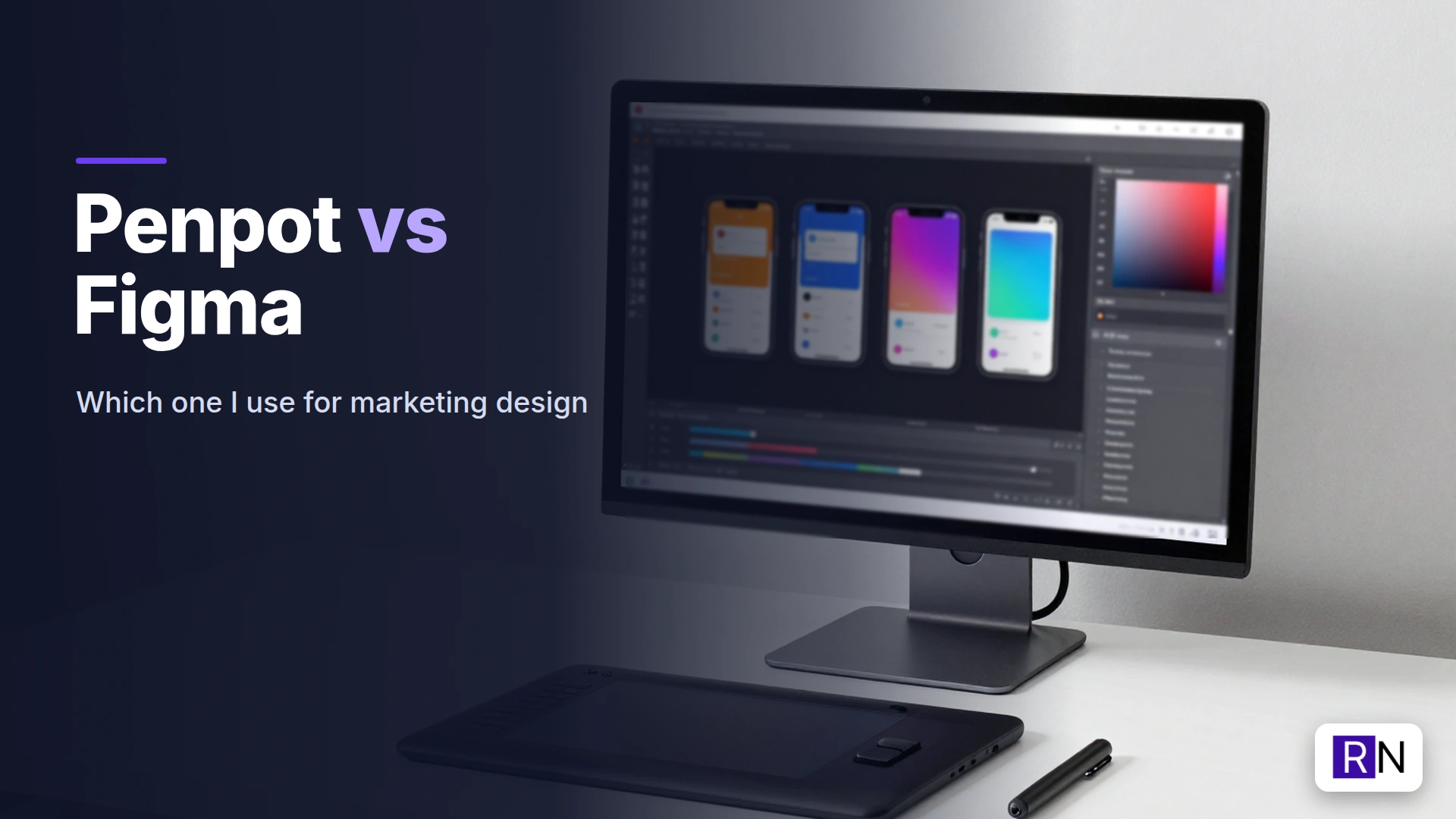
Figma is the default design tool for most teams. Penpot is the open source challenger that you can run on your own server. I use both for marketing work: social carousels, blog images and website mockups. This post compares them from a marketer’s point of view, not a product designer’s.
Want a design workflow that keeps up with your content?
I set up self-hosted tools like Penpot and connect them to AI, so your social and blog creatives take minutes, not hours. Happy to talk it through.
Email me Know more about meThe short answer
- Choose Figma if you work with other designers or agencies, want the biggest plugin ecosystem and are happy paying per editor.
- Choose Penpot if you want a free, open source tool you can self-host, you care about where your files live, or you want full API access without seat limits.
What is Penpot?
Penpot is an open source design and prototyping tool that runs directly in your browser. You can access the hosted version or install it on your own server using Docker. Because it relies on open standards, specifically SVG for shapes and CSS-style Flex and Grid for layouts, transferring designs to developers becomes straightforward.
I run my own Penpot instance. My social media carousel files live there, and an MCP server lets AI tools create and edit shapes in those files. It is the same kind of connection I set up for clients in my AI tool integration work.
Penpot vs Figma: side by side
| Figma | Penpot | |
|---|---|---|
| Price | Free starter tier, paid per editor | Free and open source |
| Hosting | Figma’s cloud only | Cloud or self-hosted |
| Layouts | Auto layout | Flex and Grid layout (CSS-based) |
| Components | Mature, with variants | Components and variants, improving fast |
| Plugins | Huge ecosystem | Smaller, growing |
| AI features | Built-in AI + official MCP server | Open API, community MCP servers |
| Performance on big files | Very good | Good; heavy files can feel slower |
| Developer hand-off | Dev Mode (paid) | Inspect mode, code export, free |
Where Figma wins
Polish and speed. Figma is fast, even with large files, and the editor feels refined. Small things like text editing, snapping and smart selection are a step ahead.
Ecosystem. Plugins, templates, community files and tutorials. If you need an icon set, a mockup frame or a chart plugin, Figma has it.
Working with others. Most agencies and freelance designers live in Figma. If you share files outside your team, Figma is what they expect.
Where Penpot wins
Cost. No per-editor pricing. Add as many people as you like.
Ownership. Self-hosted, your files sit on your server. For clients with strict data rules, that is a real advantage.
Open access for automation. This is the reason I started using it. On Figma’s lower plans, API and AI access come with limits; I hit the monthly MCP quota on the starter plan while building carousels. On my own Penpot server, there is no quota, so an AI agent can build a ten-slide carousel, I can adjust it by hand and the agent can make the next version.
CSS-native layouts. If your designs end up as websites, Penpot’s Flex and Grid layouts map directly to real CSS.
Penpot vs Figma for marketing design
Most marketing design is not complex product UI. It is:
- social posts and carousels at fixed sizes
- blog featured images
- simple landing page mockups
- ad creatives in several sizes
Both tools handle all of these well. The difference is in the workflow around them. If you want AI to generate first drafts and you edit, the open tool with no quotas is easier. If you want plug-and-play templates and plugins, Figma is quicker.
How I use both
- Figma for anything I share with outside designers, and for quick work with community templates.
- Penpot for repeatable content (my carousel series, featured images) where AI builds the first version from a layout I set up once.
- Canva still has a place for very fast one-offs with stock photos, but that is a separate comparison.
The images and carousels this produces feed the content side of my full-stack B2B marketing work.
Should you switch from Figma to Penpot?
For solo marketers or small teams using Figma primarily for social graphics, Penpot deserves a test run. Import a few files, rebuild one template, and spend a week evaluating how the experience feels.
If your design team lives in Figma and works with agencies daily, switching probably costs more time than it saves. Running Penpot alongside it for automated content is a good middle ground.
FAQ
Is Penpot a good Figma alternative? Yes, especially for teams that want a free, open source tool they can self-host. It covers most everyday design work; Figma is still ahead on plugins and polish.
Can Penpot open Figma files? Not directly. There are community tools to help with migration, but expect to rebuild complex components.
Is Penpot really free? The software is open source and free. Self-hosting costs you a server; the hosted version has a free tier.
Does Penpot work with AI? Penpot offers an open API, and community MCP servers enable AI assistants to generate and modify designs. I use one of these tools to draft carousels.