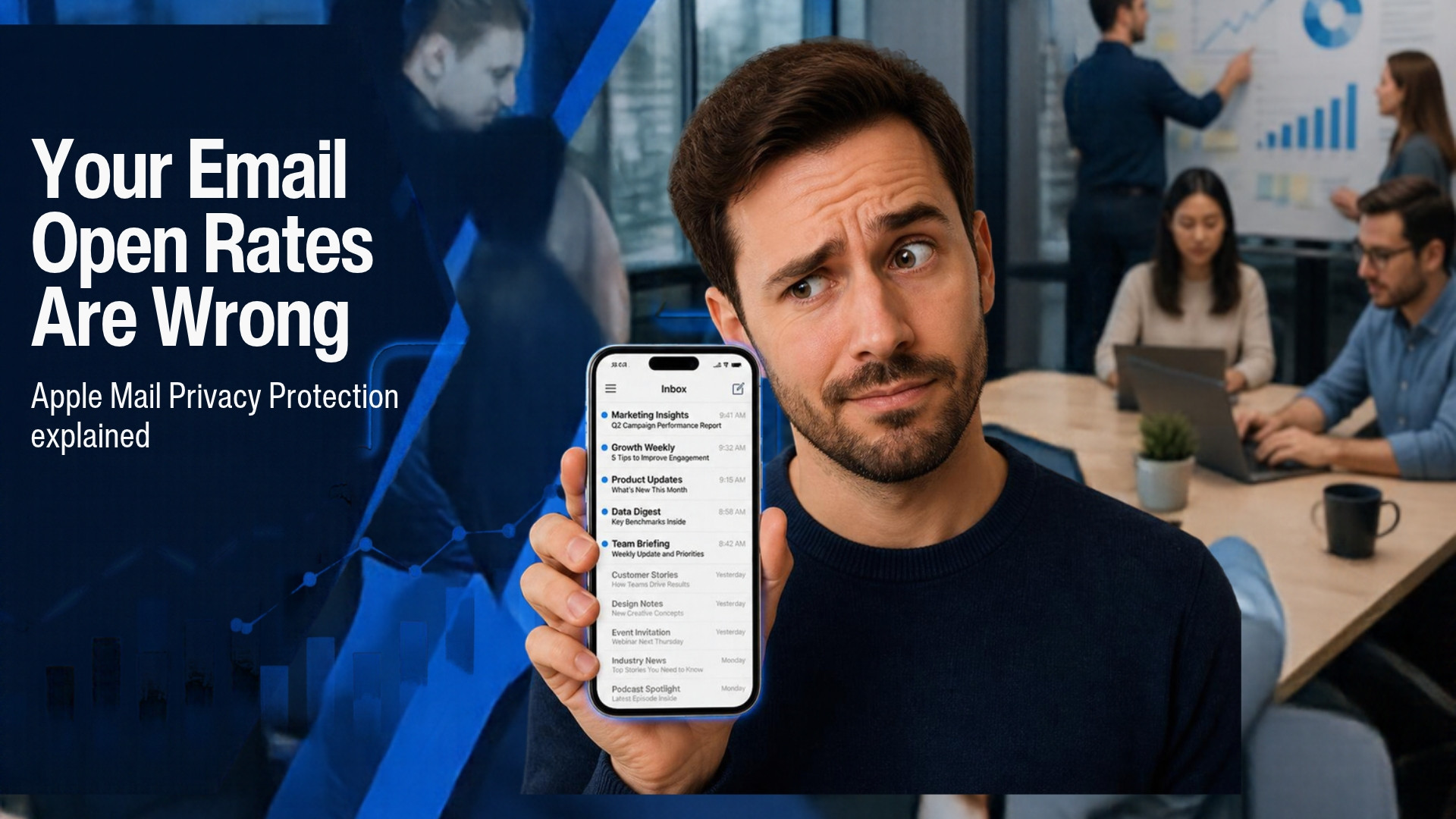
If your email open rate looks great, I have bad news: Apple Mail Privacy Protection means it is probably wrong.
When I went through the campaign log for my cold email batches, I noticed something that did not look human. Emails were marked as opened within a second of being sent, before any real person could have received them, let alone read them. Open rates were high, replies were not, and the two numbers did not belong in the same report.
The cause is software, not readers. Apple Mail Privacy Protection, along with the security tools that scan incoming mail, opens your emails for you. This post explains how that works, how to spot it in your own data, and what to measure instead.
Want help setting up email campaigns you can actually measure?
If you want help with business email, your CRM and tracking that counts real people, take a look at my IT services and implementation page, or get in touch and I am happy to talk it through.
Email me Know more about meWhat is Apple Mail Privacy Protection?
Apple Mail Privacy Protection is a privacy setting in Apple’s Mail app, introduced in 2021 with iOS 15 and macOS Monterey. When someone turns it on, Apple’s servers download the images and other remote content in an email in the background, as soon as the email arrives. It also hides the person’s IP address from the sender.
Two details matter for marketers:
- It happens whether or not the person opens the email. The download is triggered by delivery, not by reading.
- It works with any email account added to Apple Mail. The address can be Gmail, Outlook or a work domain. What counts is the app the person uses, not the provider.
That second point is why you cannot simply filter these opens out by looking at the email address.
How email open tracking works, and why it was never exact
To understand the damage, it helps to know how an open is recorded. Almost every email tool tracks opens with a tracking pixel: a tiny, invisible image placed in the email, with a web address unique to each recipient. When the image loads, your server logs an open for that person.
That method has always had two blind spots:
- If the recipient blocks images, the pixel never loads, so a read email shows no open.
- If something loads the image without a human reading the email, the pixel loads, so an unread email shows an open.
Gmail loads images through its own proxy, which already muddied repeat opens. Apple Mail Privacy Protection pushed the second blind spot much further. For anyone using it, the pixel loads for every email, so your tool records an open for every email, read or not.
Security scanners open your emails too
Apple is not the only thing that opens your emails without a person involved. Many companies run email security software that checks every incoming message before it reaches the inbox. Microsoft’s Safe Links is a common example. These tools load the images and open the links inside your email to check that they are safe.
To your email tool, that looks like an open, and sometimes a click, landing seconds after delivery. The prospect has not seen the email yet. Their mail gateway has.
I track my outreach in a self-hosted SuiteCRM, and I covered the latest release in What’s New in SuiteCRM 8.9. It records every open and click with a timestamp, which is exactly what you need to catch this.
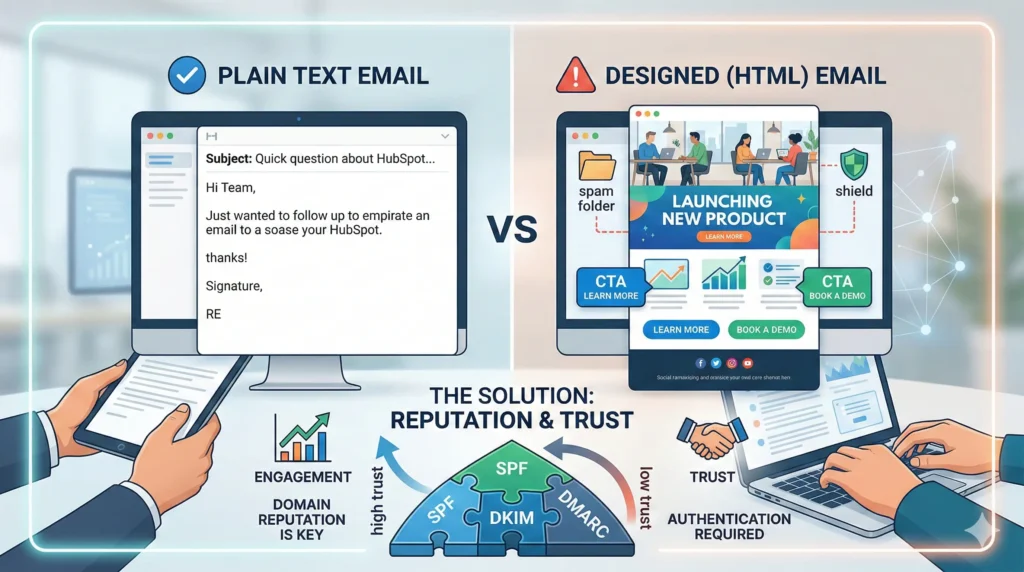
If you want the technical background on how inbox filtering treats your emails, I covered a related issue in New to Email Marketing? Here’s Why Your Designed Emails Go to Spam.
How to tell a machine open from a real one
You do not need special software. You need the timestamps. Export your campaign log, work out the gap between the time each email was sent and the time of each open, and sort by that gap. Then look for these patterns:
- Opens within seconds of sending. A person cannot receive and read an email in under five seconds. A machine can.
- An open on every email in the sequence, with no clicks and no replies. Apple’s preloading tends to produce a clean row of opens for the same people across the whole sequence.
- Every link followed at once. A scanner follows all the links in a message together, often within the same second. A person clicks one link, if any.
- Clusters by company. If several people at one company all show instant opens, their mail gateway is doing it.
- High opens but almost no replies. When the two numbers disagree this much, trust the replies.
Once you have sorted by time gap, the machine opens stand out immediately.
The same habit applies on the website side of your measurement. My GA4 and GTM setups for B2B clients show how I set up tracking so that I am counting real activity.
What to track instead of opens
Open rate is now a weak signal at best. These are better:
- Replies. This is the number that matters for outreach, and it cannot be faked by a scanner. My first campaign sent 1,298 emails and produced one reply, and no open rate would have told me how bad that really was. I log every reply in a simple B2B lead tracker.
- Delayed clicks on a single link. A click that arrives minutes or hours after delivery, on one link, is probably a person.
- Meetings booked or calls taken. The outcome you actually want.
Use opens only as a rough direction, for example to see whether a batch was delivered at all. Never use them as a score.
How to fix your reporting
1. Ignore opens that happen within seconds of sending. Pick a threshold, such as ten seconds, and exclude opens inside it from your reports. It is a blunt rule, but it removes most of the machine activity.
2. Stop judging subject line tests by open rate. If Apple preloads the email, both versions of your subject line get an open whether or not anyone liked them. Use replies or delayed clicks to decide the winner.
3. Keep cold emails plain, and consider switching open tracking off. A short text email with a signature gives scanners less to work with. Many people also turn off open tracking for cold email altogether, because the number is unreliable and the pixel is one more thing that can make a message look like marketing.
4. Build your reports around replies and bookings. Put those two numbers at the top and let opens sit lower down, with a note beside them.
If the technical side of this is the hurdle, such as business email setup, the CRM behind your campaigns and getting the tracking right, that is work I do for small and medium businesses. You can see what is covered on my IT services and implementation page.
What this means for your reporting
If you report open rates to a client or a boss, tell them the number is inflated and why. It is better to say that opens are directional and that replies and meetings are the real measure than to defend a figure you know is wrong.
The same principle holds for ad platforms. They optimise for whatever event you feed them, so sending back real outcomes matters. I explain how in Meta Ads Optimization and the CRM Integration That Makes It Work.
FAQ
Why does my email show so many opens?
Most likely because something other than a person is loading your tracking pixel. Apple Mail Privacy Protection downloads email images in the background for people who use Apple Mail, so an email can be recorded as opened without being read. Security scanners at company mail servers can do the same.
Does Apple Mail Privacy Protection affect click tracking?
Not directly. Clicks are only recorded when a link is followed, and Apple’s preloading focuses on images. But security scanners, which are a separate thing, can follow links and create fake clicks, so clicks need checking too.
How can I tell if an open is real?
Look at the timing. An open in the same second or within a few seconds of sending is almost certainly a machine. An open hours later, followed by a reply or a click, is far more likely to be a person.
Can I stop Apple Mail Privacy Protection from inflating my opens?
No. It is a setting on the recipient’s device, so you cannot turn it off. What you can do is ignore opens as a success measure and track replies and meetings instead.
Is email open tracking still worth using?
Only as a rough guide. It can tell you roughly whether a batch was delivered, but it cannot tell you who read your email or whether a subject line worked.