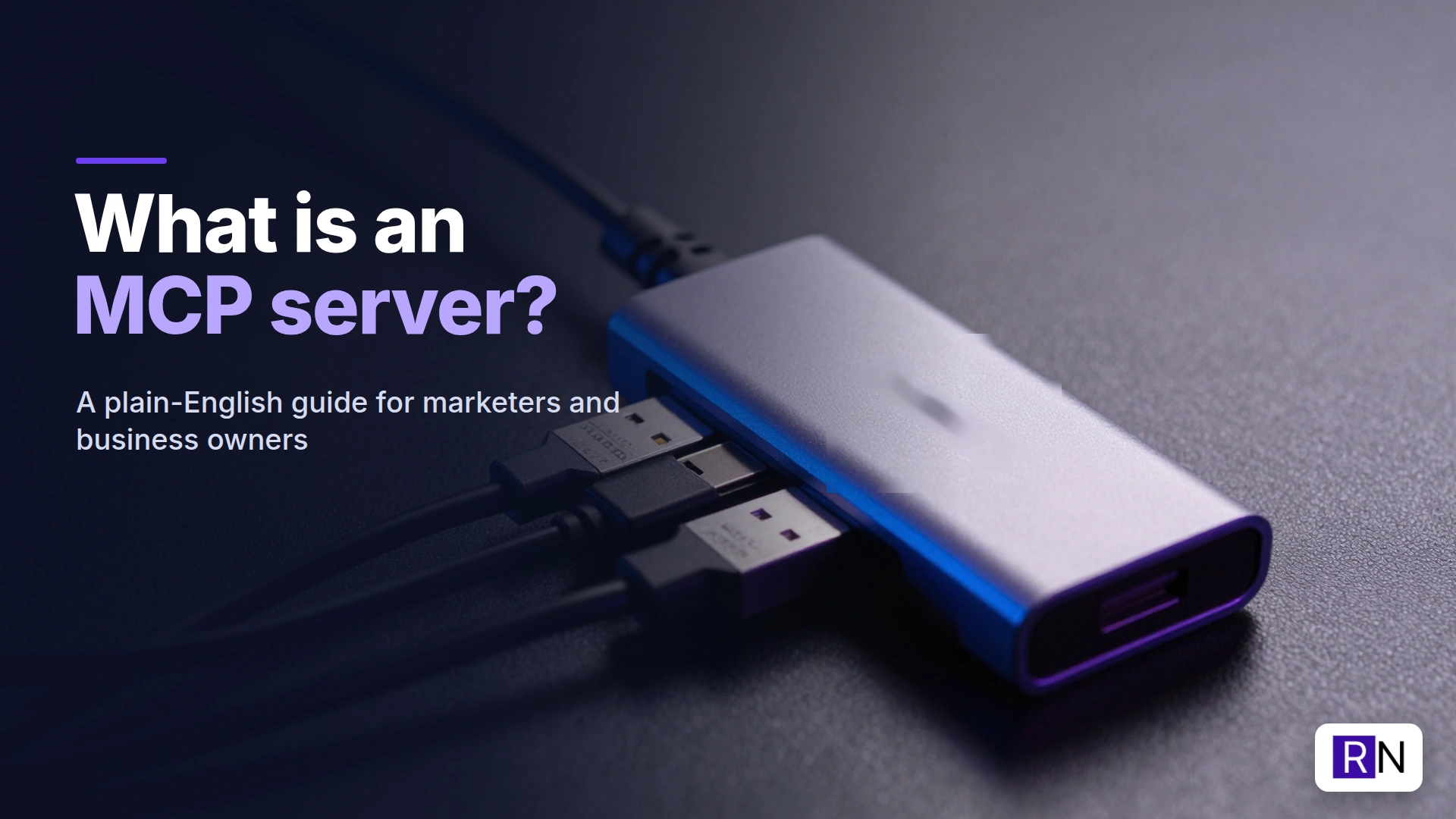
If you have used Claude, ChatGPT or Gemini recently, you have probably seen the letters MCP. Connectors, integrations, “add an MCP server”. It sounds technical, and the documentation is written for developers. But the idea behind it is simple, and it is changing what AI can do for a normal business.
I have built and connected more than ten MCP servers for my own marketing work. This is the explanation I give clients, without the jargon.
Want your AI tools connected to your business apps?
I set up MCP servers so Claude and other AI assistants can work safely inside your CRM, analytics and website. Happy to talk through what would save you the most time.
Email me Know more about meWhat is an MCP server, in one sentence?
An MCP server is a small piece of software that lets an AI assistant use one of your tools (your CRM, your analytics, your website, your project board) safely and in a structured way.
MCP stands for Model Context Protocol. It is an open standard, started by Anthropic in late 2024 and now supported by most of the big AI tools.
The receptionist analogy
Think of an app like an office building. Its APIs serve as the entry points to specific areas: a door for contacts, another for reports, and a third for settings.
The MCP server is the receptionist at the front desk. Your AI walks in and says what it needs. The receptionist knows which door leads where, checks the AI is allowed through, makes sure it brought the right details and comes back with the answer.
The AI never needs a key to every room, and it never needs to learn the layout of the building. And if you never give the receptionist the key to a room, nobody gets in. That is why MCP is safer than pasting your password into a chatbot.
Why does MCP matter?
Before MCP, an AI assistant could only tell you what to do: “go to Reports, click Export, filter by date”. You did the clicking.
With an MCP server, the AI can do the work itself, through the doors you approved, and show you every request it made. And because MCP is a standard, you build one connection and use it from many AI tools: Claude, ChatGPT, Cursor, n8n agents, even local models.
MCP server examples from my own work
Here is what I have connected, and what each one is used for:
- CRM (SuiteCRM and HubSpot): check for duplicates before importing leads, add notes, build target lists. I set the same up for clients as part of CRM implementation.
- Google Analytics and Search Console: “Which pages lost clicks last month, and why?” I wrote about it in my Google Analytics MCP post.
- Google Tag Manager: audit containers and build new event tags in a workspace for review. See my GTM MCP post.
- WordPress: create drafts, upload featured images, update SEO fields.
- Nextcloud Deck: my content board, so AI can add ideas and drafts to cards.
- OpenProject: create tasks and check deadlines.
- Email (Zoho Mail): search and draft replies (sending always stays with me).
- Image generation (ComfyUI): create blog images on my own graphics card.
How does an MCP server work?
You do not need the details to use one, but here is the shape of it:
- The MCP client is the AI app you use, such as Claude Desktop or Claude Code.
- The MCP server lists its tools, each with a name, a description and the inputs it needs. For example: “search_leads: find CRM leads by email or company”.
- When you ask a question, the AI reads those descriptions, picks a tool and sends a request.
- The server verifies the request, then contacts the actual application’s API using its own credentials before sending back the response.
- The AI uses the result to answer you, or to decide the next step.
You can host MCP servers locally on your machine or remotely via the internet, which typically requires a login. Several popular applications now provide official remote MCP servers that you can add in just a few clicks.
Is an MCP server safe?
It is as safe as the permissions you give it. My rules:
- Start read-only. Let the AI look before it can change anything.
- Use the narrowest credentials. A service account that can only touch one container, one site, one list.
- Keep risky actions human. Publishing, sending emails and deleting records stay with me.
- Check what data leaves. Anything the AI reads goes to your AI provider. Do not connect sensitive data you are not allowed to share.
Do you need to be a developer?
To use an existing MCP server: no. Adding an official connector in Claude takes a minute. To build your own: some technical comfort helps, but tools like n8n let you publish a workflow as an MCP server without writing much code, and AI tools like Claude Code can write most of the rest. I wrote about that in Can non-developers use Claude Code?
Where to start
Pick the one tool you open most often and find out if it has an MCP server. For most marketers that is the CRM or analytics. Connect it read-only, ask it ten real questions you would normally answer by clicking around, and see how much time comes back. If you want help choosing and connecting the right servers safely, that is what my AI tool integration service covers.
FAQ
What is an MCP server in simple terms? It is a connector that lets an AI assistant use one of your apps through a set of approved actions, without you clicking through the app yourself.
What is the difference between an API and an MCP server? An API is the set of doors into an app. An MCP server sits in front of those doors and presents them to AI in a standard way, with descriptions the AI can understand.
Which AI tools support MCP? Claude (Desktop, Code and claude.ai), ChatGPT, Gemini, Cursor, VS Code, n8n and many local agent tools support MCP servers.
Is MCP only for Claude? No. Anthropic started it, but it is an open standard. A server you build once works with any MCP-compatible AI tool.