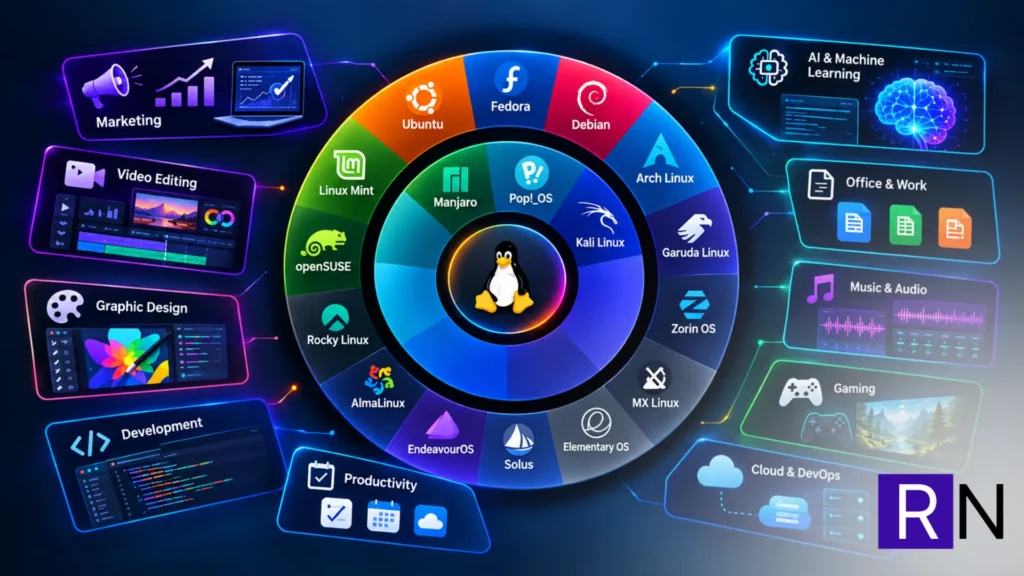
Most “what’s on my laptop” posts fall into one of two buckets. There’s the developer setup post, all terminal emulators and dotfiles, and there’s the creative setup post, all about editing software and colour grading panels. Mine doesn’t fit neatly into either, because in a given week my ROG G14 running Fedora has to do three very different jobs: run a B2B marketing agency, edit video for a content channel, and keep a self-hosted AI stack alive. This is what’s actually on it, and why.
Why Fedora
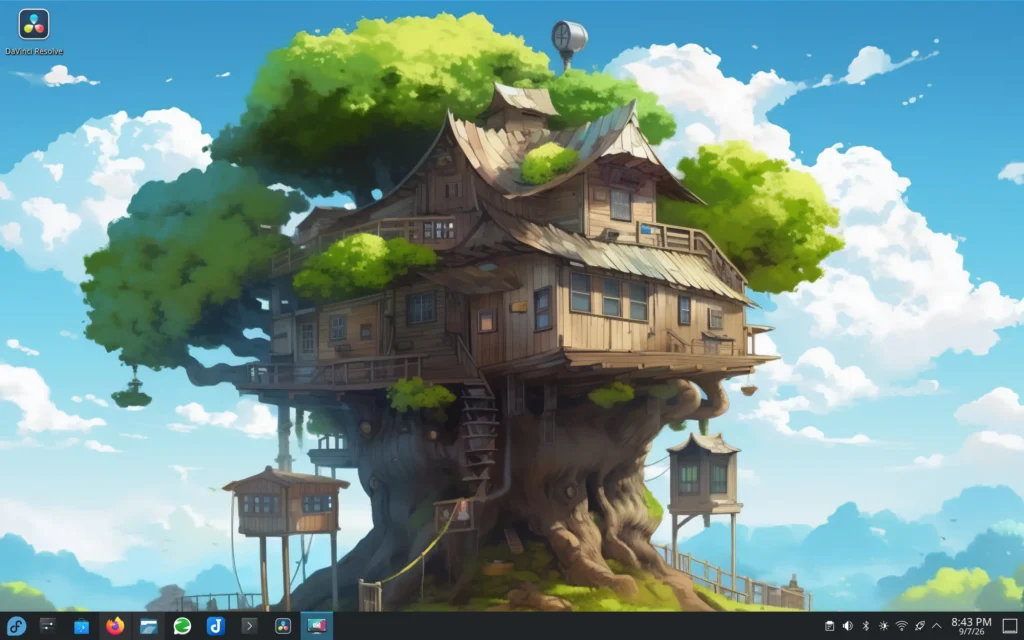
I didn’t land on Fedora by accident. I wanted something current enough to keep up with the pace of AI tooling and homelab software, without the rough edges of chasing bleeding-edge releases every week. It stays out of my way. Package availability is solid, driver support on the G14 has been painless, and updates haven’t broken my workflow the way I’ve heard horror stories about on other distros. For a machine that has to be reliable during client calls and video exports alike, that stability matters more than having the absolute newest kernel.
The video editing stack
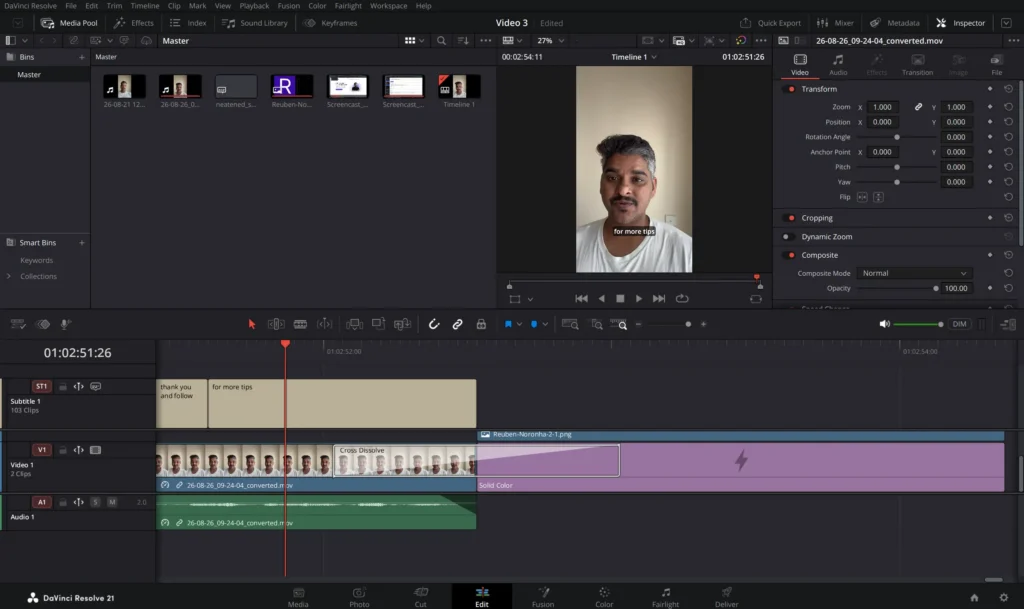
A good chunk of my content work, especially for my channel, happens right on this laptop.
DaVinci Resolve is my main editor. It runs well on Fedora once the GPU drivers are sorted, and the free version covers everything I need for YouTube-length content and client reels.
SRT subtitle workflows matter more than people expect for a channel focused on tools and tutorials. Captions are non-negotiable for accessibility and for the silent-scroll crowd on Facebook groups where I share client work, so getting a clean subtitle pipeline sorted was one of the first things I nailed down.
I’m also exploring Kdenlive and OBS, Kdenlive as a lighter alternative for quick edits that don’t need Resolve’s full colour and audio suite, and OBS for screen recordings when I’m walking through a tool or a workflow for a tutorial. Neither has replaced Resolve yet, but they’re earning a place in the rotation.
The marketing ops stack
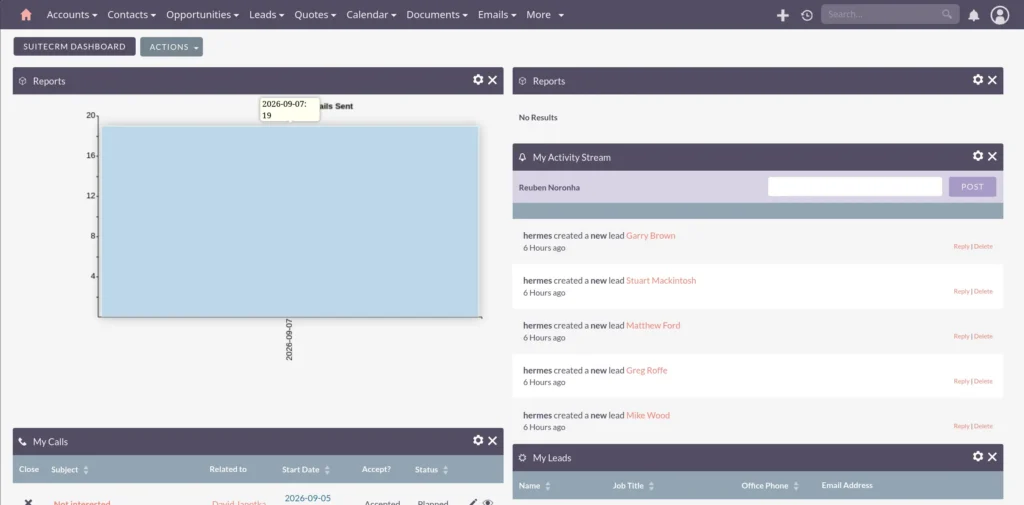
This is where the “agency” side of the laptop lives.
HubSpot and SuiteCRM split duty depending on the client. Some engagements are built around HubSpot’s ecosystem; others run on my self-hosted SuiteCRM instance, which gives me more control over data and customisation for clients who need it.
Google Ads, Meta Ads, LinkedIn Ads, GA4, and GTM are the daily drivers for anything client-facing. Between account audits, tracking setup, and reporting, this is where most of the actual billable hours go.
Mautic and n8n are where automation happens. Mautic handles marketing automation and nurture sequences for a few clients, and n8n is the glue that connects everything else, CRM updates, outreach triggers, notifications- the kind of plumbing that used to eat hours and now just runs.
AI automation and the homelab
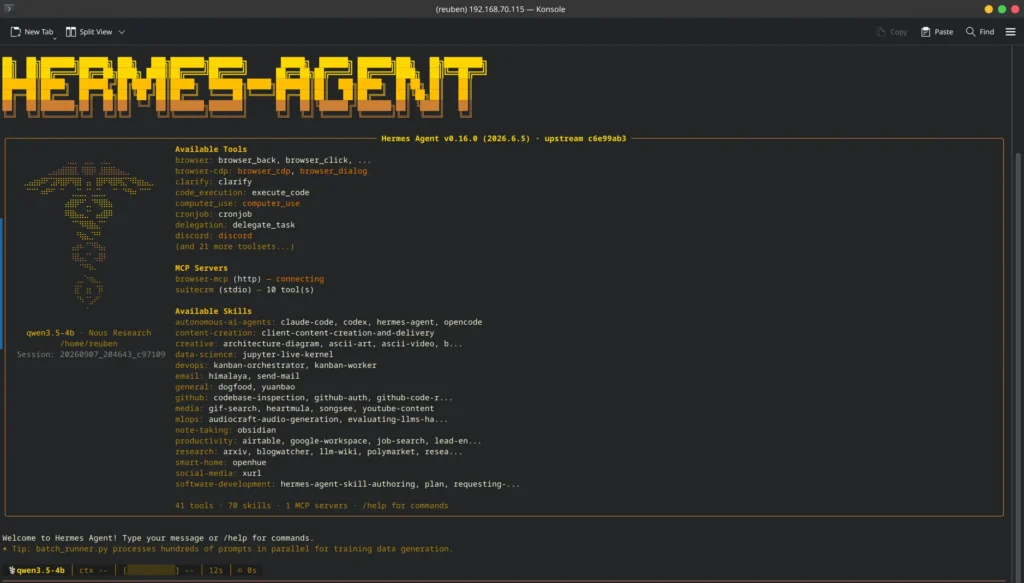
This is the part that surprises people who assume a marketing agency laptop is just spreadsheets and ad dashboards.
I run a local LLM setup I call Hermes Agent, spanning a Raspberry Pi and this laptop itself. It’s not about replacing the big hosted models; it’s about having something that runs locally for tasks where I want speed, privacy, or just don’t want to pay per token.
Behind that sits a small homelab: a Proxmox host running a Nextcloud VM, backed by a ZFS mirror for storage. It’s not glamorous infrastructure, but it means my files, backups, and a chunk of my automation stack aren’t dependent on someone else’s cloud pricing changing overnight.
As a B2B marketer, self-hosting isn’t just a hobby. It’s a way of understanding the infrastructure my clients eventually ask about, and proof, on my own machine, that the AI and automation advice I give isn’t theoretical.
How it all fits together
A fairly normal day looks like this: mornings start with ad account checks and client reporting in HubSpot or GA4. Midday might mean building out an n8n automation for a client’s outreach sequence, or troubleshooting a SuiteCRM integration. Evenings, if I’m working on content, mean pulling footage into DaVinci Resolve, running captions through my SRT workflow, and exporting for the channel.
| Job | Tools |
|---|---|
| Video editing | DaVinci Resolve, Kdenlive, OBS |
| Marketing ops | HubSpot, SuiteCRM, Google/Meta/LinkedIn Ads, GA4, GTM |
| Automation | Mautic, n8n |
| AI and homelab | Hermes Agent, Proxmox, Nextcloud, ZFS |
One machine, three roles, and Fedora sitting underneath all of it without asking for attention.
What’s next
I’m still deciding how much of my editing work moves fully to Kdenlive versus staying on Resolve. I’m also planning to expand the Hermes Agent setup; more on that as it develops. If you’re running a similar mix of creative, marketing, and self-hosted tooling on Linux, I’d like to hear what’s on your machine too.
Wrapping up
This setup is less a curated “productivity list”, and more a reflection of what running a lean agency actually looks like day to day. It’s proof that you don’t need a dozen separate devices, or a dozen separate SaaS subscriptions, to run a B2B marketing practice, edit content, and experiment with self-hosted AI. You just need one machine set up to handle all three.
If you want the video version of this walkthrough, keep an eye on my channel; a screen-recorded tour of this exact setup is next on the list.